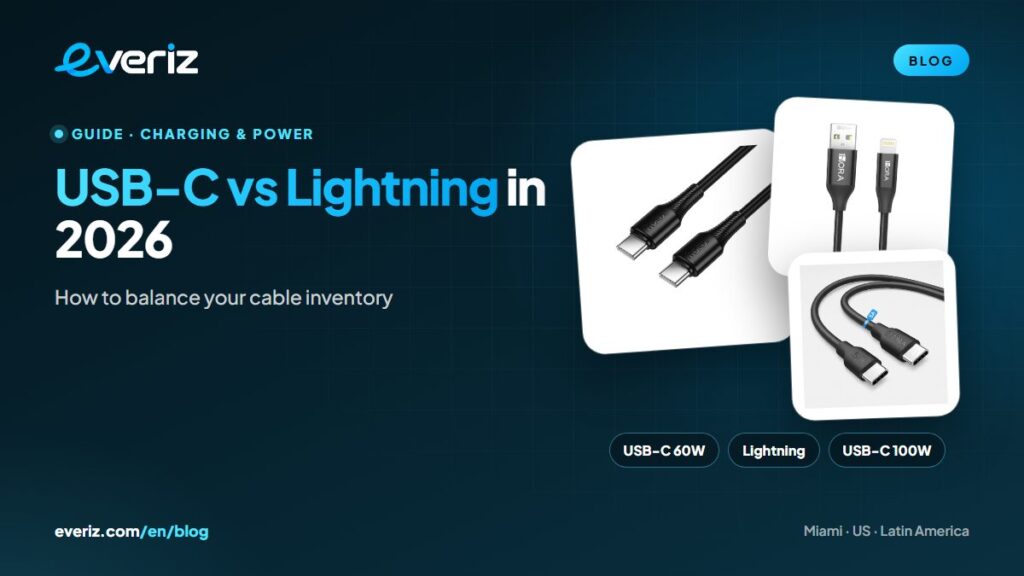
USB-C vs Lightning in 2026: How to Balance Your Cable Inventory
The 2026 connector map: which iPhones still use Lightning, which USB-C cables need 60W or 100W ratings, when MFi certification matters and how to split your cable inventory to match your customers.

In this article
Cables are the most frequently purchased accessory: cheap, essential and unforgiving if you don’t have the right one on the wall. With Apple’s switch to USB-C, plenty of stores now have drawers full of a connector that sells a little less every month, while running short on the cables customers actually ask for. This guide covers which devices use which connector in 2026, the difference between a 60W and a 100W USB-C cable and how to split your inventory without getting stuck with dead stock.
Key takeaways
- iPhone 5 through iPhone 14 use Lightning; iPhone 15 and later use USB-C. Apple no longer sells new Lightning iPhones.
- Millions of Lightning iPhones are still in use, so USB-C to Lightning remains a fast mover.
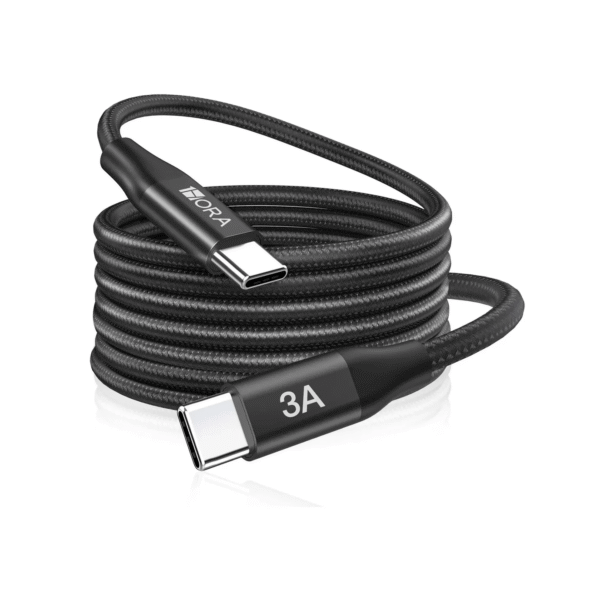
- A standard USB-C cable tops out at 60W (3A); 100W requires a 5A cable with an e-marker chip.
- Split your stock based on what you see at your counter and review it monthly, not on what sold two years ago.
The 2026 connector map
Apple introduced Lightning with the iPhone 5 in 2012 and kept it through the iPhone 14. The iPhone 15 moved to USB-C in 2023. In the European Union, the common charger law led Apple to pull its last Lightning models from sale at the end of 2024, and in February 2025, with the arrival of the iPhone 16e, Apple stopped selling new iPhones with that connector altogether.
| Device | Connector | Cable the customer needs |
|---|---|---|
| iPhone 5 through iPhone 14, iPhone SE | Lightning | USB-C to Lightning (fast charging) or USB-A to Lightning |
| iPhone 15 and later | USB-C | USB-C to USB-C |
| Current iPads | USB-C | USB-C to USB-C |
| AirPods released before 2023 | Lightning | USB-C to Lightning |
| Current Android phones | USB-C | USB-C to USB-C or USB-A to USB-C |
| Older Android phones and basic accessories | Micro-USB | USB-A to micro-USB |
The practical takeaway: even though no new Lightning iPhones are sold, the ones already in people’s pockets will need cables for years. What changes is the mix, which tilts a bit more toward USB-C every month.
Not all USB-C cables are equal
They look alike on the outside, but the differences inside are ones customers notice:
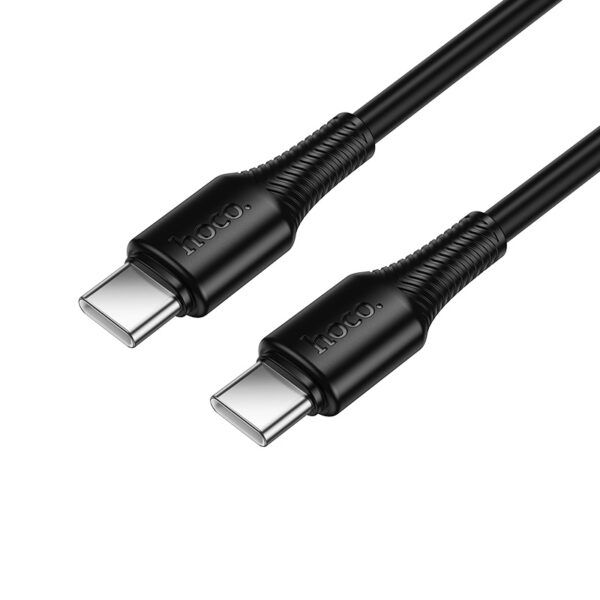
- Power. A standard USB-C cable is rated for 3A, meaning up to 60W at 20V. Getting to 100W takes a 5A cable with an e-marker chip that identifies it to the charger. USB Power Delivery Revision 3.1 raised the ceiling to 240W, according to the USB-IF, with cables built specifically for that range.
- Data. Most charging cables move data at USB 2.0 speed (480 Mbps): fine for syncing a phone, not for fast external drives or video.
- Length and build. A 6-foot (2 m) cable is more convenient but loses more energy than a 3-foot (1 m) cable of the same gauge. Braided jackets hold up better to daily abuse.
For laptops: if a customer pairs a 65W or higher charger with a laptop, sell them a 5A cable. With a 3A cable the laptop still charges, just more slowly. Our guide to 20W, 30W and 65W chargers covers this too.
Lightning and MFi certification
Lightning accessories can carry the MFi badge, Apple’s certification program for third-party products. In its guide to identifying counterfeit or uncertified Lightning connector accessories, Apple warns that uncertified cables can damage the device, wear out quickly, overheat or fail to charge and sync. For your store the rule is simple: stock Lightning cables from reputable brands and, for demanding customers, MFi-certified ones.
The cable many stores forget: USB-C to Lightning
An iPhone 8 through 14 only fast charges with a USB-C Power Delivery charger and a USB-C to Lightning cable. That’s the combination many customers are after when they buy a 20W charger, so keep the two side by side on the wall or sell them as a bundle.
How to split your cable inventory
- Go by your sales, not your gut. Count how many cables of each type you sold over the last 90 days and set your buys on that basis.
- Keep a fixed core. A 3-foot 60W USB-C to USB-C, USB-C to Lightning, USB-A to USB-C for older chargers and cars, and a 100W USB-C for laptops.
- Add variants that raise the ticket. 6-foot lengths, braided cables, right-angle connectors for gamers and 3-in-1 cables for households with mixed devices.
- Phase down micro-USB gradually. There’s still demand (older phones, speakers, accessories), but it keeps shrinking.
- Review monthly. The shift to USB-C is ongoing, so adjust your Lightning quantities with every order.
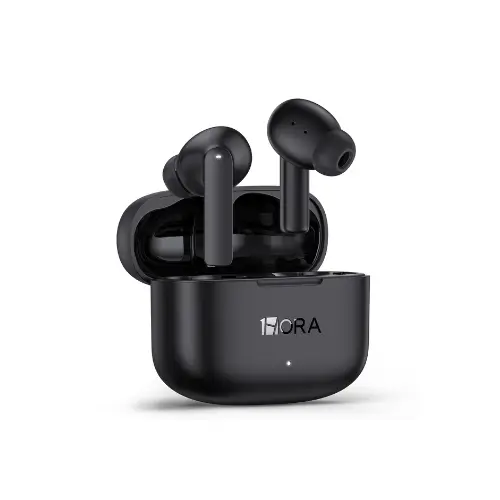
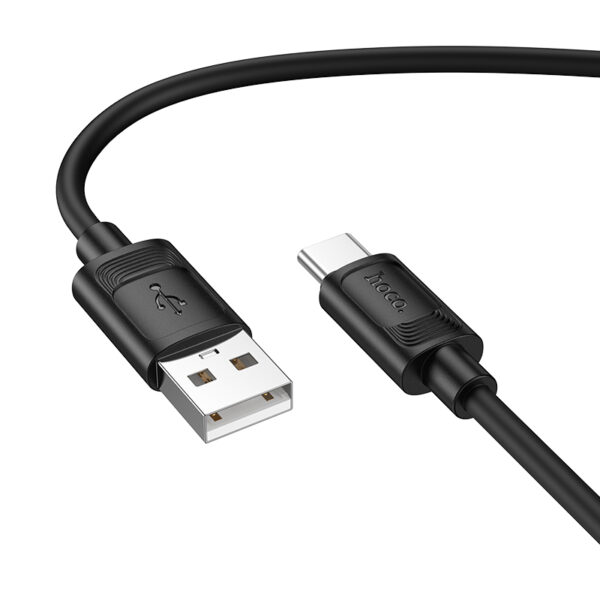
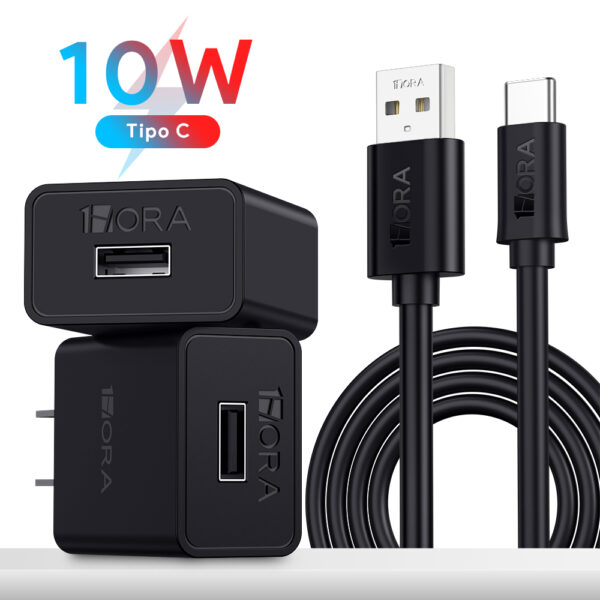
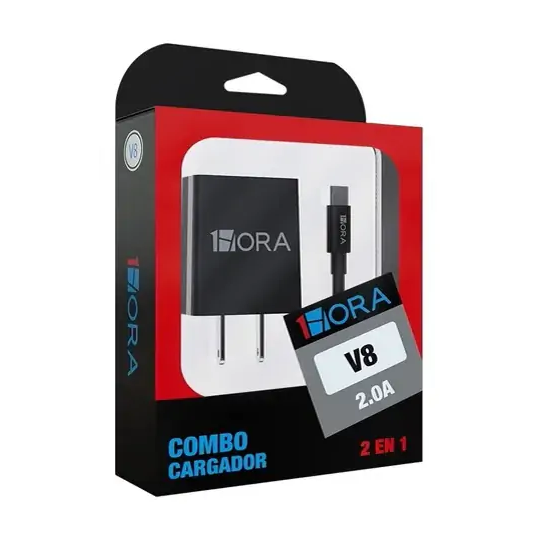
Our selection of wholesale phone chargers and cables covers all of these types from Hoco, 1HORA, BWOO and TOOCKI, from basic cables to 100W models.
How to merchandise cables for more sales
A cable is a quick purchase: customers want to find theirs in seconds. An organized wall outsells a full bin:
- Group by connector (USB-C, Lightning, micro-USB) with large signs and a drawing of each plug. Many customers don’t know the name, but they recognize the shape.
- Within each group, sort by power and length: 60W, 3-foot cables at eye level, with 100W and 6-foot options right beside them as the step-up.
- Place cables next to the chargers that use them. A customer buying a 20W charger needs the right cable, and that cross-sell lifts the ticket with no extra effort.
- Keep one out of the package so customers can feel the braid and compare thickness.
What to ask your cable supplier
Before you buy in volume, get these details for every SKU:
- Maximum current (3A or 5A) and whether it has an e-marker chip.
- Data speed (USB 2.0 or faster) and whether it carries video.
- Actual length, jacket type and warranty.
- For Lightning, whether it’s MFi certified.
- Retail packaging with a UPC barcode, if you sell to other retailers.
Signs of a low-quality cable
- Claims 100W but doesn’t list 5A or include an e-marker.
- No brand, model or specs on the packaging.
- A loose connector, or a jacket that separates from the plug after light use.
- Gets hot when charging at normal power levels.
- Priced far below equivalent name-brand cables.
If someone offers you cables like that in volume, read our guide on avoiding counterfeit phone accessories before you buy.
Frequently asked questions
Is a 60W USB-C cable enough for an iPhone 15 or 16?
Yes. A 60W (3A) cable comfortably covers iPhone charging. 100W cables make sense for laptops and high-power chargers.
Is it still worth stocking Lightning cables?
Yes. There are huge numbers of Lightning iPhones in use, and their owners still need cables. Just size the quantity to your sales and review it every month.
What is an e-marker cable?
It’s a USB-C cable with a small chip that tells the charger what the cable can handle. Without it, the charger limits current to 3A; with it, the charger can deliver 5A, which means 100W or more.
Does a 6-foot cable charge more slowly?
A longer cable has more resistance, but a well-made one barely shows it at phone charging levels. The difference is most noticeable in cheap cables with very thin conductors.
Next step
Pull your cable sales for the last three months, build your fixed core and let the data decide how much Lightning to buy. EVERIZ ships from stock in Miami with volume pricing: open a wholesale account or message us on WhatsApp.