INCELL vs OLED vs Original Screens: What a Repair Shop Should Stock
How INCELL, soft OLED, hard OLED and original replacement screens differ for iPhone and Samsung repairs: picture quality, battery draw, fingerprint sensors, “unknown part” messages and how to stock by grade.

In this article
- What an INCELL screen is
- Aftermarket OLED: hard vs. soft
- “Original”: three different things with one name
- What customers notice
- iPhone: “unknown part” messages and True Tone
- Samsung: in-display fingerprint and ORG, OLED and INCELL grades
- How to stock screens by grade
- How to explain grades to customers
- Mistakes that cost money
- Frequently asked questions
- Next step
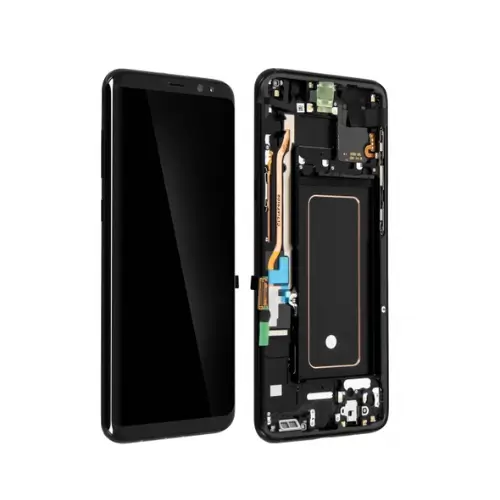
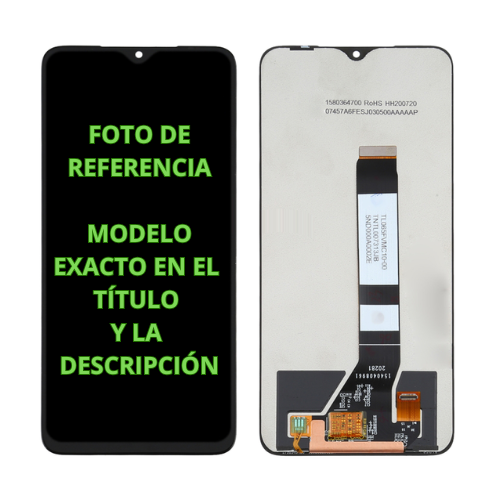
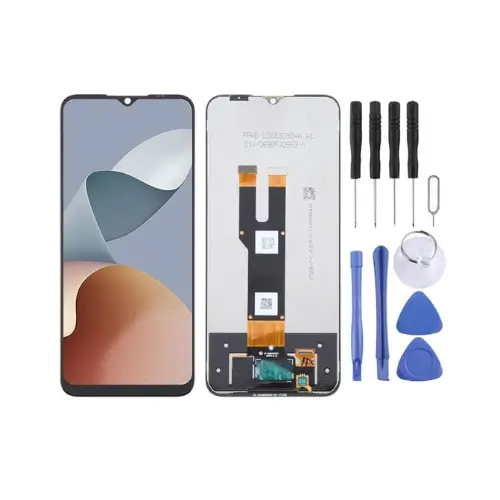
Screens are the best-selling part in any repair shop, and also the one that generates the most complaints when the quality isn’t what the customer expected. There are three main families: INCELL, OLED (in “hard” and “soft” versions) and original. Each has its place and its price point. This guide explains how they differ, what customers actually notice and how to stock by grade so you sell with healthy margins and fewer comebacks.
Key takeaways
- INCELL is an LCD panel: the cheapest option, with grayer blacks, slightly higher battery draw and no under-display fingerprint support.
- Aftermarket OLED comes close to original; “soft” (flexible) OLED is usually the premium tier and “hard” (rigid) OLED the mid tier.
- Original can mean a manufacturer service part, a refurbished original or a pulled part, so ask which one you’re getting.
- On iPhone, any display not installed through Apple shows up as an “unknown” part; on Samsung, in-display fingerprint sensors need OLED.
What an INCELL screen is
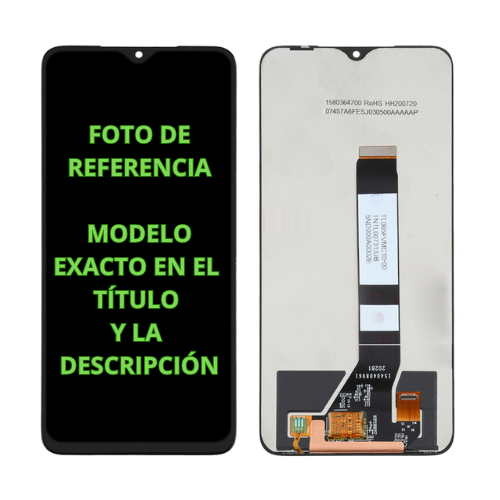
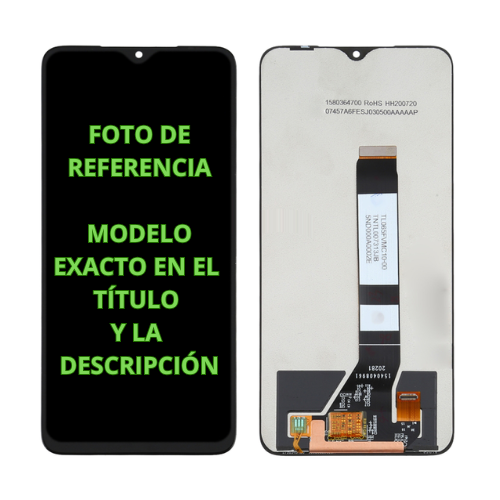
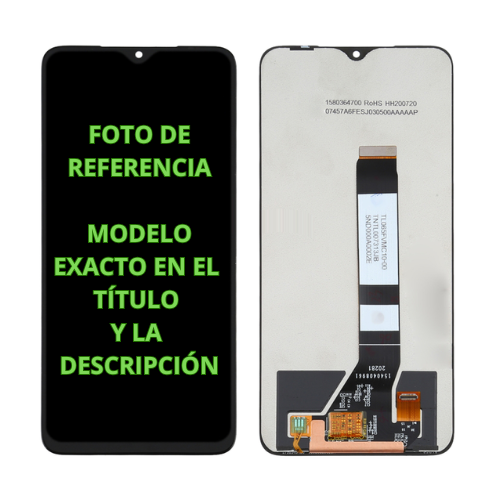
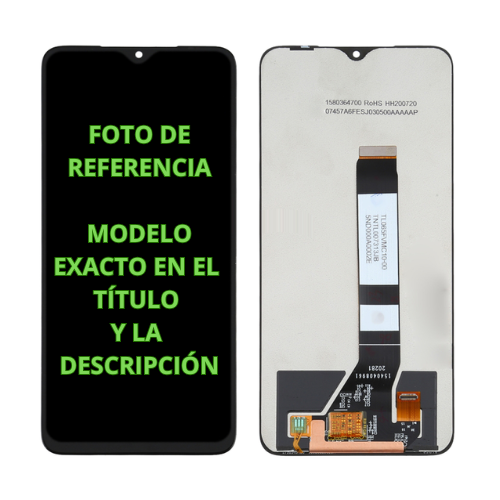
INCELL is an LCD technology where the touch layer is built into the display panel itself instead of sitting on top as a separate layer. Like any LCD, it needs a backlight: blacks are never fully black, contrast is lower than OLED and battery draw is generally a bit higher. INCELL assemblies also tend to be slightly thicker.
When does it make sense? In two cases. First, on phones that shipped with an LCD from the factory, such as the iPhone XR or iPhone 11, where a good INCELL panel is the natural replacement. Second, when the customer is focused on price or the phone is old enough that a pricier repair doesn’t add up.
Aftermarket OLED: hard vs. soft
OLED panels light each pixel on its own, which means deep blacks, better contrast and lower power draw than LCD. The aftermarket offers two main grades:
- Soft OLED: a flexible panel, like the originals on many models. Usually the top aftermarket tier, with a good fit, a picture very close to original and better tolerance to flex.
- Hard OLED: a panel on rigid glass. Cheaper with good image quality, but a bit thicker and more fragile.
The names aren’t standardized, and every parts maker has its own grades. That’s why it pays to order samples and compare them side by side, as industry guides like Regeneration’s recommend.
“Original”: three different things with one name
When a supplier says “original,” it can mean:
- A manufacturer service part: the panel the manufacturer itself distributes for repairs. Samsung service packs, for example, carry part numbers that start with GH82.
- A refurbished original: an original panel that had its glass or another layer replaced.
- A pulled part: removed from another phone, with whatever wear that implies.
All three can be good buys, but they aren’t worth the same. Always ask which one you’re being offered and what warranty comes with it.
What customers notice
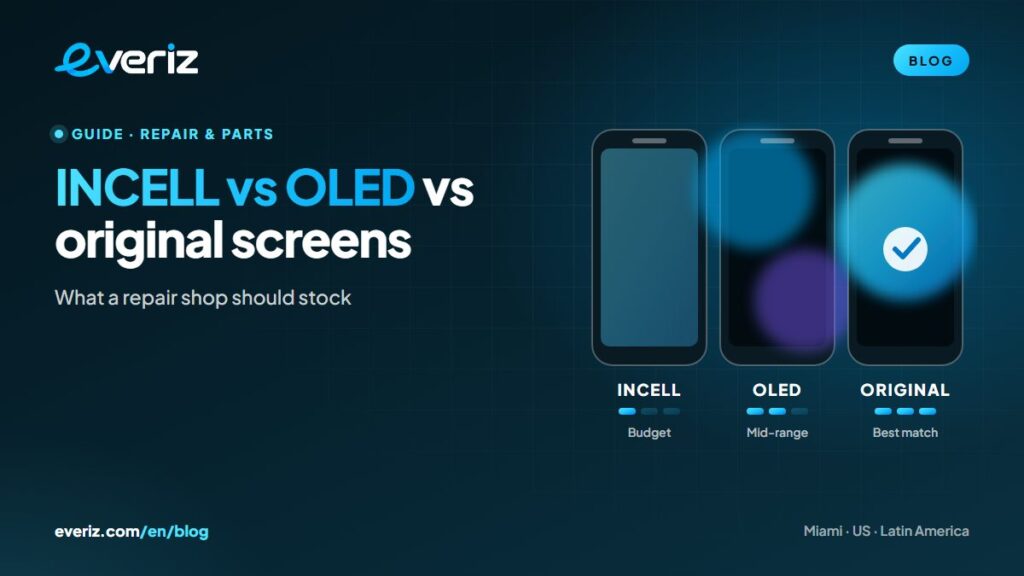
| INCELL | Hard OLED | Soft OLED | Original | |
|---|---|---|---|---|
| Blacks and contrast | Grayish, medium contrast | Very good | Very good | Benchmark |
| Battery draw | Somewhat higher | Close to original | Close to original | Benchmark |
| Thickness and fit | Slightly thicker | Slightly thicker | Very close | Exact |
| In-display fingerprint (Samsung) | No | Depends on model | Depends on model | Yes |
| Relative price | Lowest | Mid | Mid to high | Highest |
For guidance only: every parts maker has its own quality grades.
iPhone: “unknown part” messages and True Tone
Apple’s page About genuine iPhone displays explains that after a repair, Settings > General > About shows the parts and service history. If the display isn’t genuine, isn’t working as expected or couldn’t be verified, it’s listed as “unknown.” Apple says the message doesn’t affect your ability to use the phone, though an unknown part can affect resale or trade-in value. Tell the customer before you start the repair.
Replacing an iPhone screen also disables True Tone unless the original panel’s data is transferred with a programmer. Customers notice it, so it’s worth handling in the shop.
Samsung: in-display fingerprint and ORG, OLED and INCELL grades
Many Samsung Galaxy phones use an optical fingerprint reader under the display, and that sensor needs an OLED panel to work. INCELL screens don’t support it: the phone works, but the customer loses fingerprint unlock and has to use a PIN or pattern. If the phone shipped with an AMOLED display, offer OLED or original and explain the price difference.
In our wholesale phone parts and screens catalog, every screen lists its grade in the product name (INCell, OLED, ORG or original quality), so you always know what you’re buying.
How to stock screens by grade
- Start with the models that come through your door most. Your repair log from the last few months tells you exactly which ones you need.
- Offer two or three grades for popular models. A budget option (INCELL), a mid option (OLED) and the best available (soft OLED or original).
- Attach a different warranty to each grade. Customers understand the difference, and the price justifies itself.
- Test before you install. Connect the screen and check touch, pixels and brightness before you peel off the protective films, so you can return it to the supplier without a dispute.
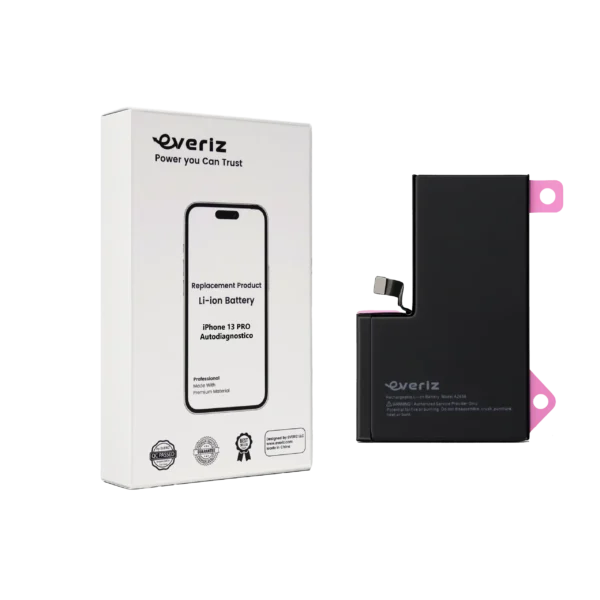
- Add batteries. Many customers replacing a screen will replace the battery at the same time.
For iPhone we carry screens and batteries, and for Galaxy, Samsung screens in several grades.
How to explain grades to customers
Customers don’t buy “soft OLED.” They buy a phone that looks good and holds up. Translate each grade into plain language and let them decide:
- Budget (INCELL): “It works well and it’s the cheapest, but colors look duller, it uses a bit more battery and, on this Samsung, you lose the fingerprint sensor.”
- Mid-range (OLED): “It looks almost like the original, with deep blacks and good brightness, at a reasonable price.”
- Best (soft OLED or original): “It’s the closest to how the phone left the factory, and it carries the longest warranty.”
A written quote with all three options and their warranties lets customers choose with full information and cuts down on complaints later. Many end up picking the mid-range option, which is usually your best margin as well.
Mistakes that cost money
- Buying on price alone and discovering the failure rate after you’ve installed half the lot.
- Mixing grades without labeling them in the back room, until you install an OLED billed as INCELL, or the other way around.
- Not checking the exact model. Variants of the same phone can use different panels, come with or without a frame or use different connectors.
- Installing without testing. A factory defect costs twice as much if you find it after the screen is glued in.
- Promising what the part can’t deliver, like in-display fingerprint on INCELL or True Tone without transferring the panel data.
Frequently asked questions
Does an INCELL screen drain the battery faster?
Generally, yes. It’s a backlit LCD, while an OLED only lights the pixels in use. How much depends on the model and how the phone is used.
Does the fingerprint sensor work with an INCELL screen on a Samsung?
Not on models with an optical sensor under the display, which needs an OLED panel. If fingerprint unlock matters to the customer, offer OLED or original.
What does “ORG” mean on a screen listing?
It’s shorthand many suppliers use for “original” or “original quality.” Always ask whether it’s a manufacturer service part, a refurbished original or a pulled part.
Does the “unknown part” message affect the iPhone?
According to Apple, it doesn’t stop you from using the phone, but it’s recorded and can affect resale or trade-in value. The right move is to tell the customer before the repair.
Next step
Define your grades per model, test samples of each and explain the differences at the counter: you’ll sell more mid- and high-tier repairs and handle fewer complaints. If you also buy devices, see our checklist on what to check before buying phones wholesale. EVERIZ ships from stock in Miami: open a wholesale account or message us on WhatsApp.